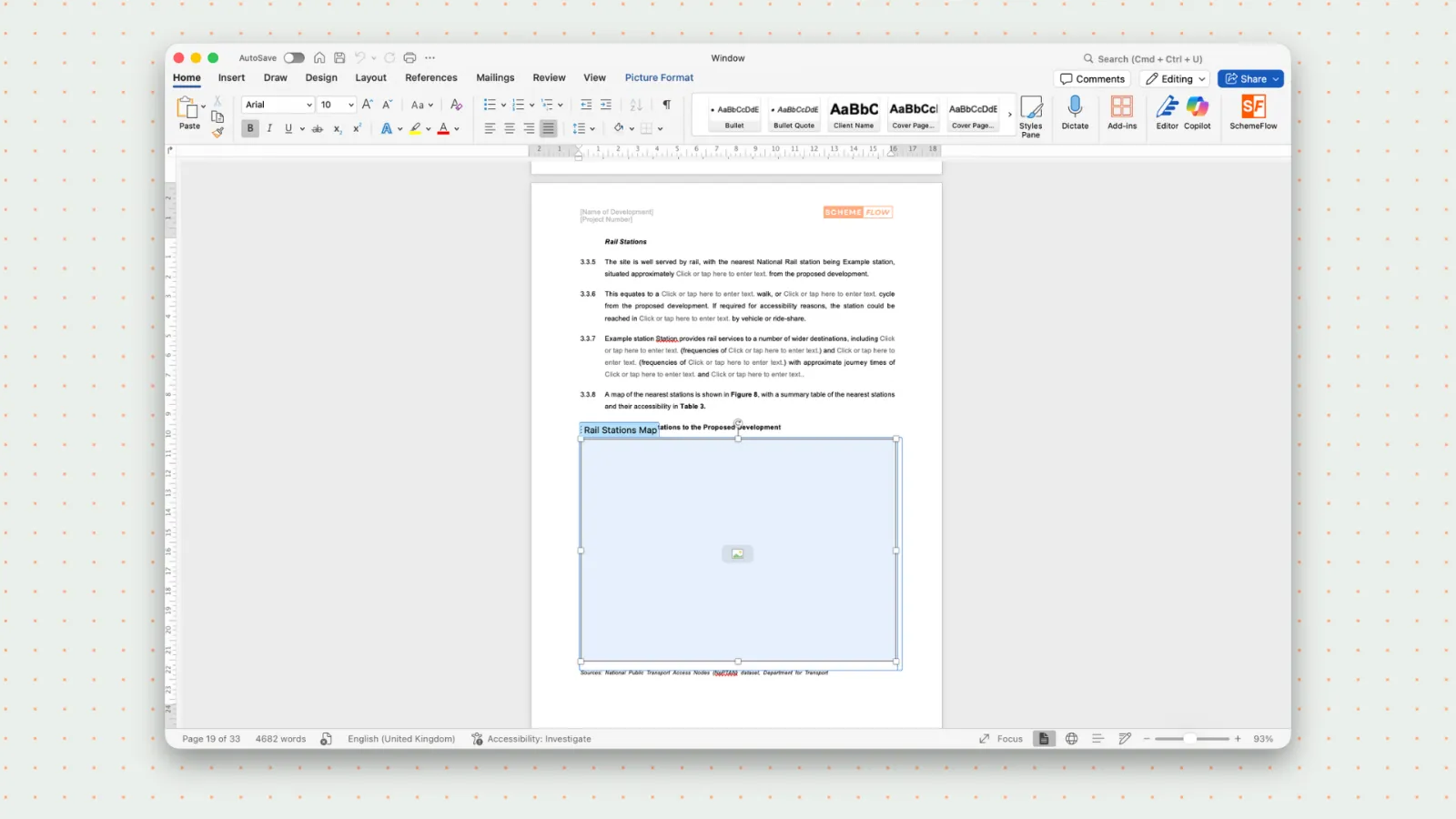
How to Download your Template
Open a template as a Word document for local use or editing.
Steps
Open SchemeFlow. You should see the Home page by default. If not, click the back button in the top-left corner.
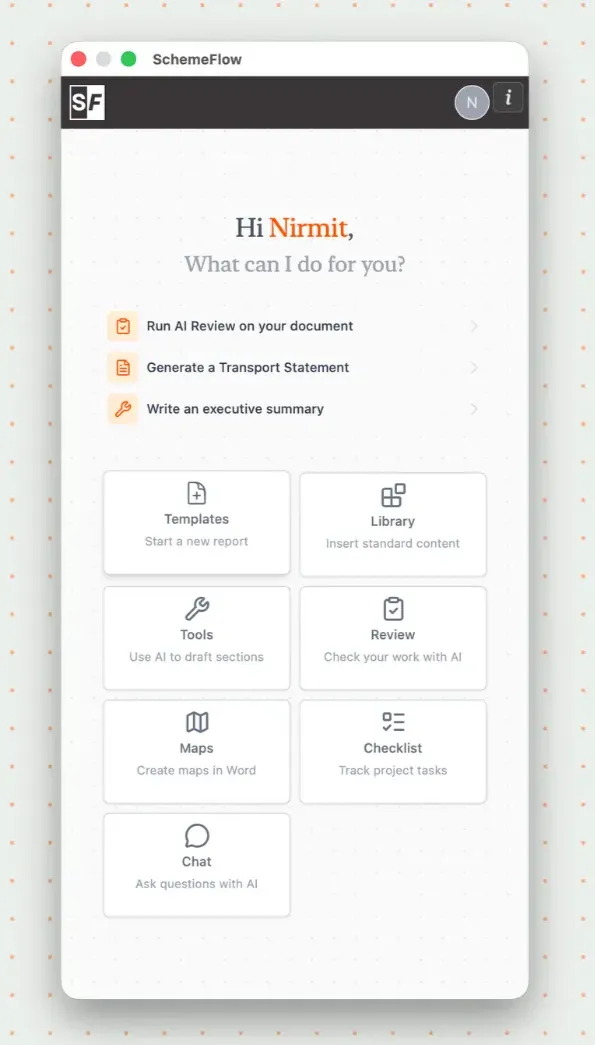
Click Templates to view all of your organization's templates.
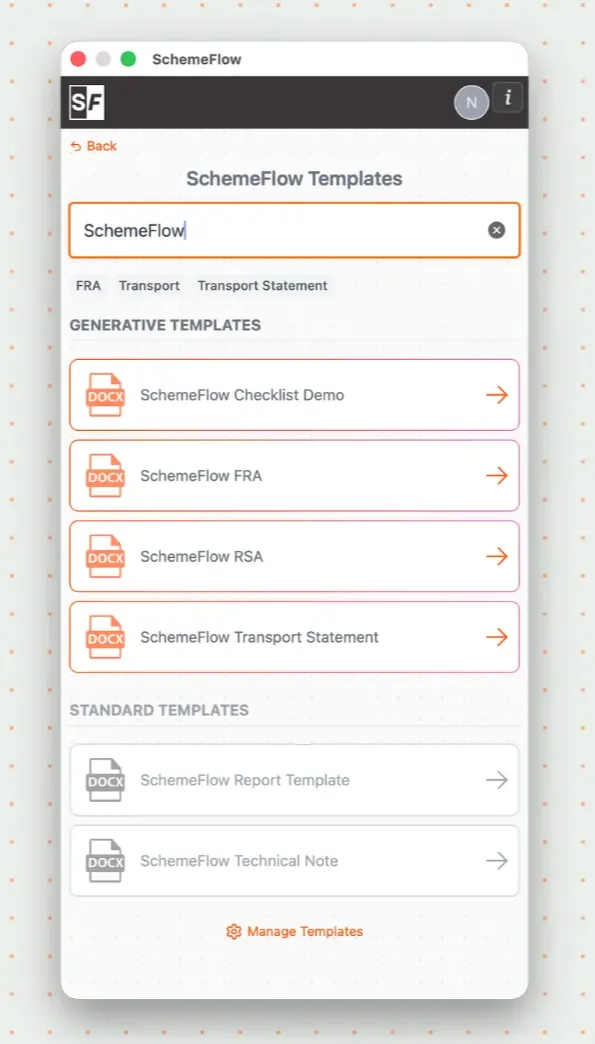
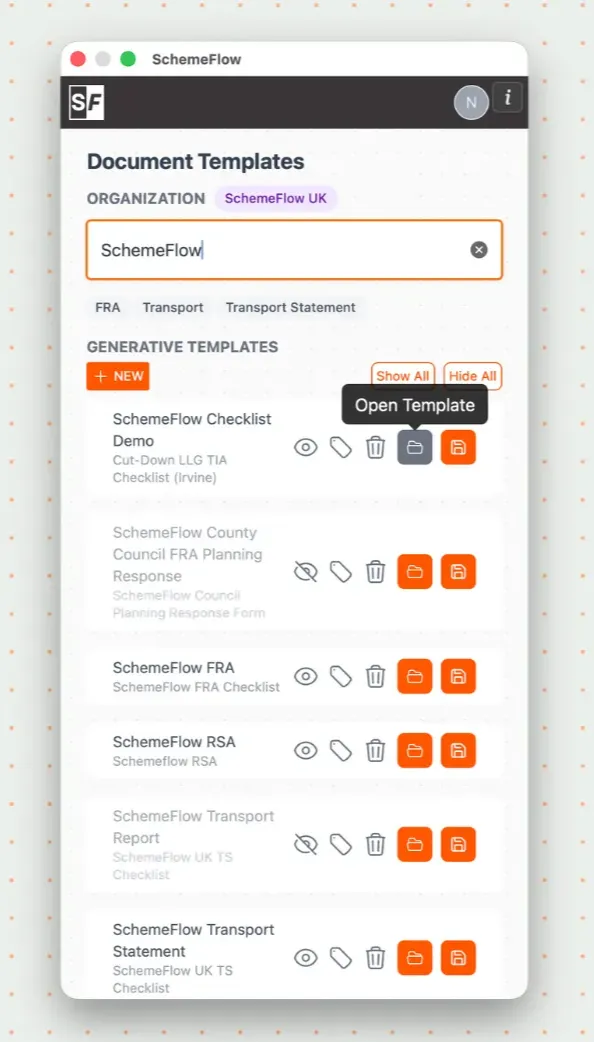
Find the template you want and hover over it to reveal the ⋮ (three dots) menu on the right, then click Open Template.
The template will open as a new Word document, ready for use.
Notes
The Word document contains SchemeFlow tags and placeholders used to insert maps and dynamic content.
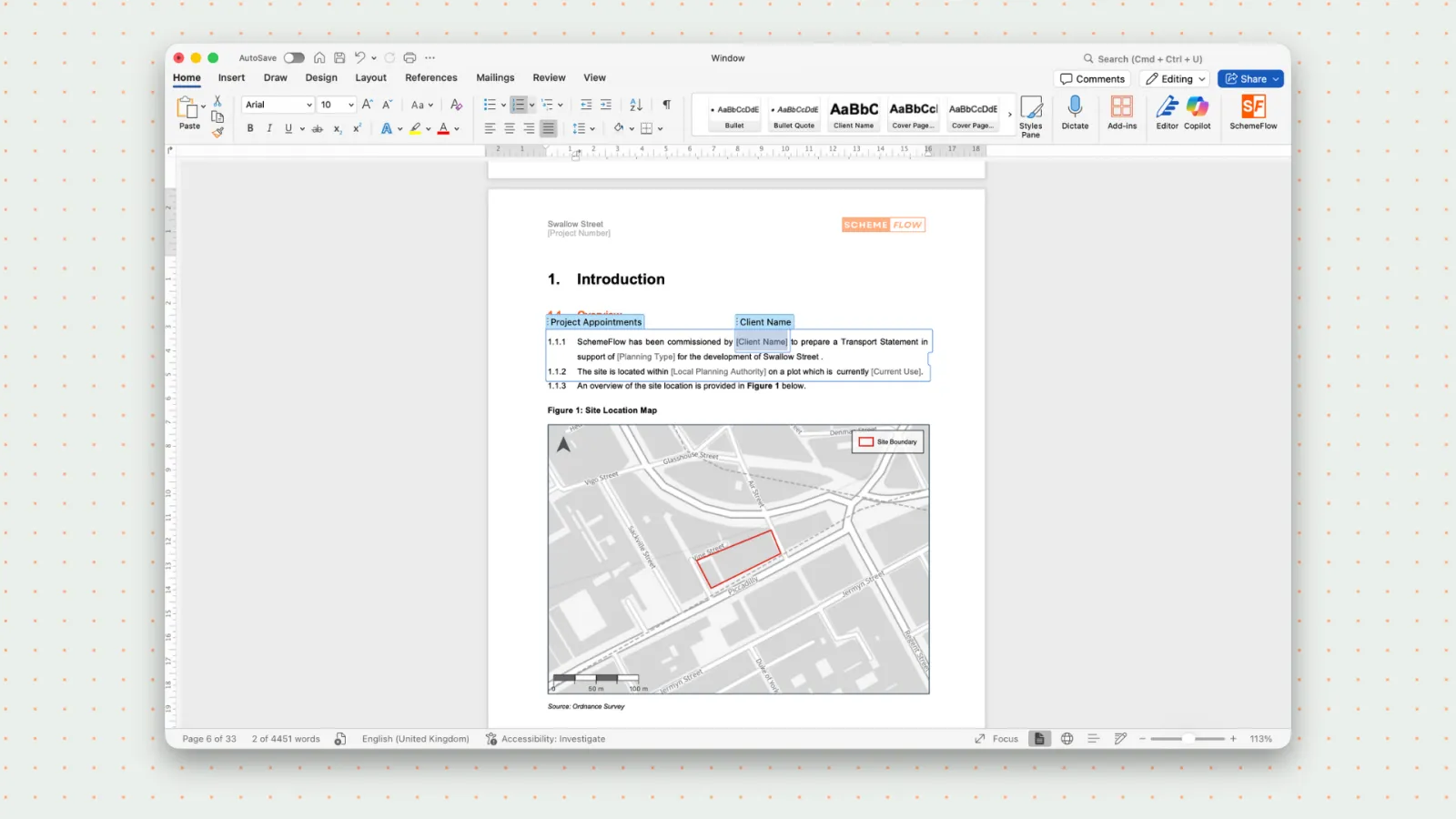
It is best practice not to edit or remove these tags, as doing so may break the template. You can safely edit the surrounding text, headings, and styles as needed.