
Update Map
Apply changes made to a map and insert the latest version into your document.
Steps
Make any required changes to the map (e.g. layers, styling, or layout).
Changes are saved in the map portal, but are not yet applied to the document.
Click Update to confirm your changes.
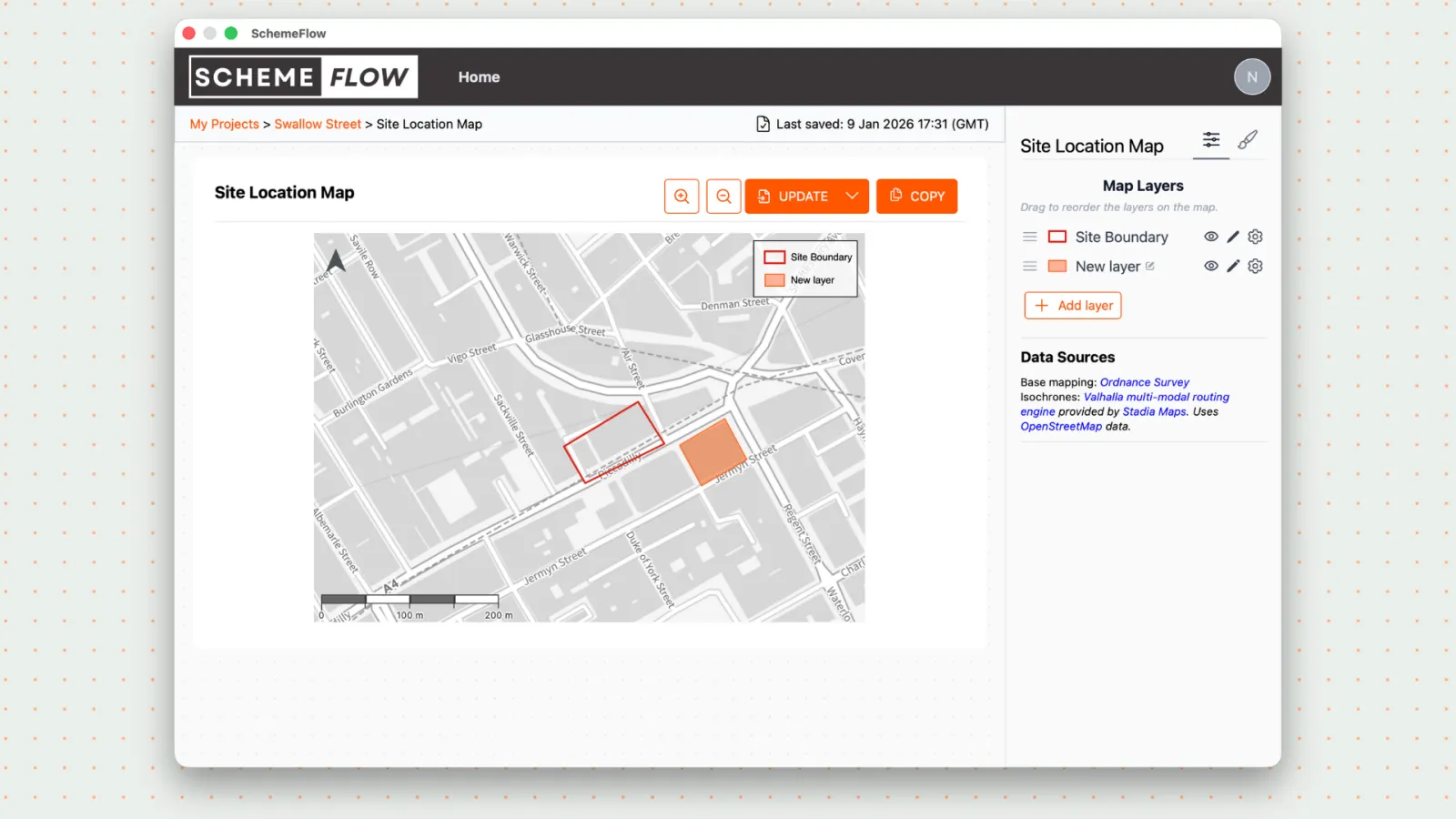
- The updated map will replace the existing version in your report.
Notes
- Changes will not appear in the document until Update is clicked.
- You can make multiple edits to a map before updating it in the report.